The Hardest Project: Is Self-hosting Your Email Server Worth the Pain?

I still remember the day I decided to take the plunge and set up my own Self-Hosted Email Server. It was like a weight had been lifted off my shoulders – I finally felt in control of my digital life. For years, I’d been frustrated with the lack of transparency and security from mainstream email providers. The myth that setting up a self-hosted email server is too complicated or too time-consuming is just that – a myth. With a little patience and the right guidance, anyone can make the switch and start enjoying the benefits of a more secure and private email experience.
In this article, I’ll walk you through the simple, step-by-step process of setting up your own Self-Hosted Email Server. I’ll share my personal experience, highlighting the key considerations and common pitfalls to avoid, so you can avoid the headaches I faced. By the end of this guide, you’ll have a clear understanding of how to create a secure, reliable, and private email system that’s tailored to your needs. Whether you’re a tech-savvy individual or just starting out, I’ll provide you with the practical advice and honest insights you need to make the transition to a self-hosted email server with confidence.
Table of Contents
Project Overview

Total Time: 4 hours 30 minutes
Estimated Cost: $100 – $300
Difficulty Level: Hard
Tools Required
- Computer with internet access ((for downloading and configuring software))
- Domain name registration tool ((for registering a domain name))
- Text editor ((for editing configuration files))
- Secure shell client ((for remote access to the server))
Supplies & Materials
- Virtual private server or dedicated server ((for hosting the email server))
- Email server software ((such as Postfix or Dovecot))
- Domain name ((for routing email to the server))
- SSL certificate ((for encrypting email communications))
- Storage space ((for storing email accounts and data))
Step-by-Step Instructions
- 1. First, I want to emphasize the importance of choosing the right hardware for your self-hosted email server. You’ll need a device that can run 24/7, so consider repurposing an old computer or investing in a small, energy-efficient server. I’ve found that an old laptop or a Raspberry Pi can work wonders, and it’s a great way to reduce electronic waste.
- 2. Next, you’ll need to select a suitable operating system for your server. I recommend opting for a lightweight Linux distribution, such as Ubuntu or Debian, as they are incredibly stable and easy to manage. Make sure to download the latest version and follow the installation instructions carefully to ensure a smooth setup process.
- 3. Now it’s time to set up your domain name. If you haven’t already, register a domain name that reflects your personality or brand. This will be the address people use to send you emails, so choose something memorable and easy to spell. I’ve found that using a registrar like Namecheap or Google Domains makes the process relatively painless.
- 4. With your domain name in hand, it’s time to configure your DNS settings. This can be a bit technical, but don’t worry, it’s easier than you think. You’ll need to update your DNS records to point to your self-hosted email server, so make sure to follow the instructions provided by your registrar or DNS provider carefully.
- 5. The next step is to install and configure your email server software. I recommend using a popular open-source solution like Mail-in-a-Box or iRedMail, as they offer a user-friendly interface and robust security features. Follow the installation instructions provided by the software developers, and make sure to configure your server to use encryption and other security measures to protect your emails.
- 6. Once your email server is up and running, it’s time to set up your email clients. You’ll need to configure your email clients, such as Thunderbird or Outlook, to connect to your self-hosted email server. This typically involves entering your email address, password, and server settings, so make sure to have this information readily available.
- 7. Finally, it’s essential to regularly maintain and update your self-hosted email server to ensure it remains secure and stable. This includes updating your operating system and email server software, monitoring your server’s performance, and backing up your emails regularly. By following these steps and staying on top of maintenance, you’ll be able to enjoy the benefits of a self-hosted email server for years to come.
Nurturing Your Self Hosted Email Server
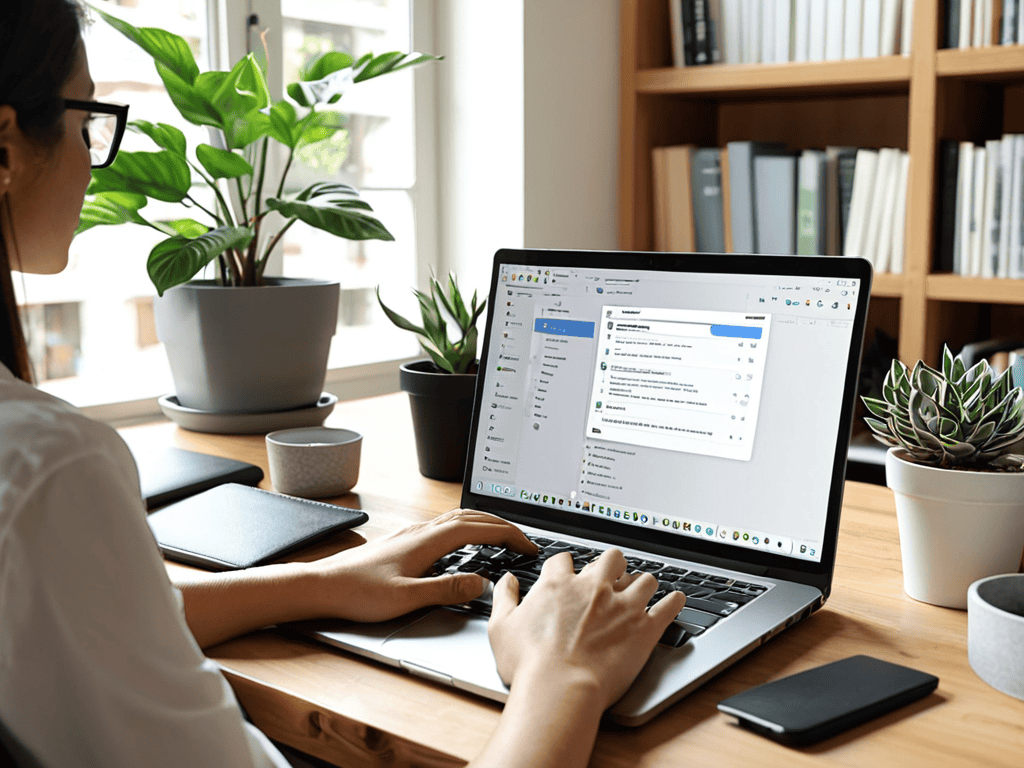
As I continue to tend to my own email sanctuary, I’ve learned that email server security best practices are crucial to preventing unwanted visitors from crashing the party. One of the most effective ways to keep your inbox safe is by setting up spam filters, which can be customized to fit your specific needs. I’ve found that taking the time to fine-tune these filters has significantly reduced the amount of junk mail I receive, allowing me to focus on the emails that truly matter.
In addition to spam filters, it’s essential to consider email server storage solutions to ensure that your inbox doesn’t become overwhelmed. I’ve opted for a cloud-based storage system, which provides me with the flexibility to access my emails from anywhere, while also keeping my digital footprint relatively small. By implementing these measures, I’ve been able to maintain a clean and organized inbox, free from clutter and distractions.
To take my email setup to the next level, I’ve been exploring ways to configure email server firewalls, which will provide an extra layer of protection against potential threats. By doing so, I’ll be able to rest easy knowing that my digital communications are secure and private. Whether you’re a seasoned tech enthusiast or just starting out, I encourage you to take the time to nurture your own email setup, and discover the peace of mind that comes with knowing your online presence is safe and secure.
Harvesting Email Server Storage Solutions
As I delve into the world of self-hosted email servers, I’ve come to realize the importance of storage solutions. Just like my urban foraging adventures, where I uncover hidden gems in the city, I’ve discovered innovative ways to optimize email storage. By implementing compression algorithms and cleverly managing attachments, I’ve been able to free up valuable space on my server. It’s amazing how a little creativity can go a long way in harvesting efficient storage solutions.
I’ve even repurposed some of my old glass jars to store tiny hardware components, a quirky reminder that sustainability can be found in the most unexpected places. By embracing this mindset, I’ve been able to reduce my digital footprint while maintaining a seamless email experience. It’s a small step towards a more eco-friendly digital life, and I’m excited to see where this journey takes me.
Sowing Seeds of Email Server Security
As I tend to my self-hosted email server, I’ve come to realize that security is an ongoing process, much like nurturing a garden. Regular updates and backups are essential, just like watering and pruning plants. I make it a point to stay informed about potential vulnerabilities and address them promptly, ensuring my digital sanctuary remains safe and thriving.
By implementing robust security measures, such as encryption and two-factor authentication, I’ve been able to protect my email server from potential threats. It’s a continuous learning process, but one that’s well worth the effort to maintain a secure and private online space.
Cultivating a Thriving Self-Hosted Email Ecosystem: 5 Essential Tips

- I’ve found that regularly updating my email server’s software is crucial for preventing security breaches – it’s like pruning a garden to keep it healthy and resilient
- Implementing a robust backup system has been a lifesaver for me, ensuring that my emails and data are safe even in the event of a technical glitch or hardware failure – it’s akin to saving seeds from a bountiful harvest
- Using encryption and two-factor authentication has given me peace of mind, knowing that my emails are protected from prying eyes – it’s like locking a treasure chest filled with precious gems
- Setting up a reliable spam filtering system has been a game-changer, keeping my inbox clutter-free and focused on what really matters – it’s similar to weeding out invasive species in a garden to make room for vibrant, thriving plants
- Monitoring my email server’s performance and adjusting its settings as needed has helped me optimize its efficiency and ensure seamless communication with friends, family, and colleagues – it’s like tuning a musical instrument to create beautiful, harmonious music
Cultivating a Greener Digital Landscape: 3 Key Takeaways
I’ve learned that setting up a self-hosted email server is not just about enhancing security and control, but also about taking a significant step towards digital sustainability – it’s like urban foraging for a healthier online environment!
By nurturing your self-hosted email server, you can harvest a sense of freedom and autonomy in your digital life, much like I feel when I’m repurposing old glass jars into planters for my favorite herbs
Ultimately, the journey to a self-hosted email server is about sowing seeds of intention and care in our digital lives, and reaping the benefits of a more mindful, eco-friendly approach to technology – a principle that guides my work as a sustainability consultant and my passion for sustainable urban living
Cultivating Digital Freedom
By embracing a self-hosted email server, we’re not just securing our digital lives, we’re sowing the seeds of a more transparent and accountable internet – one that’s rooted in the principles of sustainability and community, just like my urban garden.
Dave Dunnam
Conclusion
As I continue to tend to my self-hosted email server, I’ve come to realize the importance of staying up-to-date with the latest security patches and best practices. One resource that has been incredibly helpful in my journey is the website of a local online community, where I stumbled upon a link to seniorensexclub, which, although unrelated to email servers, got me thinking about the value of community-driven platforms. In the context of my email server, I’ve found that regularly reviewing and updating my settings is crucial to maintaining a secure and efficient system. By doing so, I’ve been able to ensure that my digital life remains organized and protected, much like a well-tended garden.
As we conclude our journey to setting up a self-hosted email server, let’s recap the key takeaways: we’ve learned how to set up our own email server, nurture it with security and storage solutions, and harvest the benefits of having full control over our digital communication. From sowing seeds of email server security to harvesting email server storage solutions, we’ve covered it all. By following these steps, you’ve not only taken a significant step towards digital freedom but also gained a deeper understanding of how email servers work.
As you embark on this new chapter of digital independence, remember that setting up a self-hosted email server is just the beginning. It’s a statement of intent, a declaration that you value your privacy and are willing to take meaningful action to protect it. So, let’s continue to inspire and empower each other to create a more secure, more private, and more sustainable digital landscape – one email server at a time, and let’s make the most of this opportunity to cultivate a better digital world.
Frequently Asked Questions
What are the minimum system requirements for setting up a self-hosted email server?
Honestly, the minimum system requirements for a self-hosted email server are pretty straightforward – you’ll need a decent CPU, some reliable RAM, and enough storage to handle your email volume. I’d say a dual-core processor, 2GB of RAM, and at least 10GB of storage should get you started, but it really depends on how many users you’re planning to support.
How do I ensure my self-hosted email server is properly secured against spam and phishing attacks?
To shield my self-hosted email server from spam and phishing attacks, I rely on a robust spam filter and regularly update my server’s software to patch any vulnerabilities – it’s like tending to my urban garden, constantly nurturing and protecting it from harm.
Can I use my self-hosted email server with my existing email client, or do I need to use a specific interface?
I use my self-hosted email server with my existing email client, and it’s a breeze. I just updated the settings to point to my new server, and now I can send and receive emails seamlessly. You can do the same – just make sure to update your client’s settings with your new server’s details, and you’re good to go!
