How to Set Up Your Desk for Maximum Focus & Comfort!
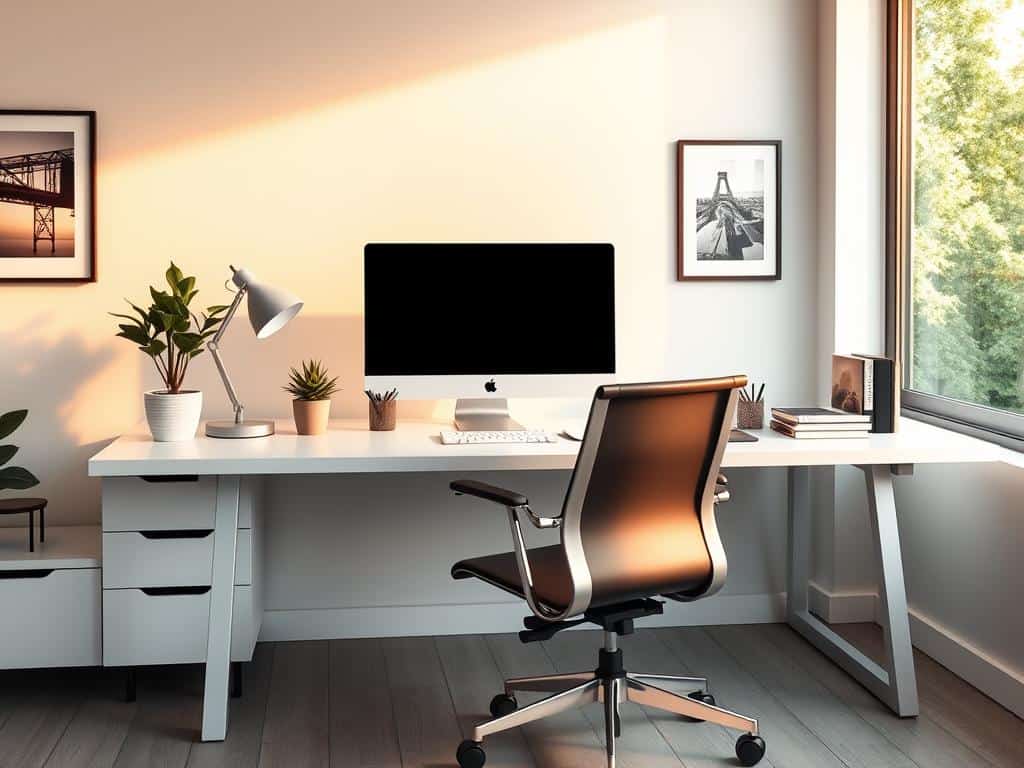
Every morning, I sit at my desk, now a calm space. It used to be cluttered, making it hard to focus. I realized my desk was like my mind—chaotic.
I started to focus on making my desk better. I learned ergonomics are key for staying focused and comfortable. With remote work on the rise, having a good workspace is more critical than ever.
By applying ergonomics and organizing my desk, I found a way to stay focused and comfortable. It’s all about creating a space that supports your work.
Key Takeaways
- Ergonomics improve comfort and reduce health risks associated with prolonged sitting.
- A well-organized workspace can enhance productivity and reduce stress levels.
- Adjusting monitor height can prevent eye strain and improve focus.
- Healthy snacks can contribute to sustained energy and productivity.
- Incorporating short breaks promotes better focus and reduces fatigue.
- Effective lighting significantly impacts mood and work efficiency.
Understanding the Importance of Ergonomics
In today’s work environment, ergonomics is key to boosting productivity and cutting down on discomfort. Ergonomics aims to design workspaces that meet individual needs. This is vital for creating an environment that supports high performance and well-being.
What is Ergonomics?
Ergonomics is the science of making workspaces fit better for people. It focuses on comfort and efficiency, ensuring tasks match natural body movements. An ergonomic workspace can greatly reduce health problems caused by sitting too long and repetitive actions.
The Benefits of a Proper Ergonomic Setup
A well-designed workspace offers many benefits. For example, a chair with good lumbar support helps keep the spine straight, lowering the chance of neck and back pain. Also, having a computer monitor at the right distance—20 to 40 inches from the eyes—improves visibility and reduces eye strain.
Making adjustments to the layout, like keeping important items within reach and using an adjustable desk, can make workdays more comfortable and productive.
Common Issues from Poor Ergonomics
Ignoring ergonomics can cause serious health problems. Up to 60% of office workers suffer from musculoskeletal disorders due to poor ergonomics. Symptoms like carpal tunnel syndrome, neck stiffness, and lower back pain often come from bad desk setups.
Using ergonomic strategies can solve these issues. It not only relieves discomfort but also boosts workplace efficiency.
Desk Setup Optimization for Enhanced Focus
Setting up your desk right is key for better focus, comfort, and work output. A few important steps can greatly improve your workday. This part talks about choosing the right furniture, placing monitors and keyboards, and more. It’s all about making your workspace ergonomic and efficient.
Choosing the Right Furniture
Choosing the right furniture is the base of a good desk setup. An ergonomic chair is a must for back support. Your desk should be at a height that lets your arms rest comfortably while working.
It’s best if the desk is 2.5 to 5 cm above your elbow height. This helps keep your posture healthy and prevents muscle problems.
Monitor Placement and Visibility
Where you place your monitor is key for less eye strain and better focus. The top of the monitor should be at eye level, about an arm’s length away. A slight tilt of about 3 cm helps avoid neck pain.
Also, place your monitor so it’s not reflecting light from windows. This makes it easier to see and more comfortable to work.
Keyboard and Mouse Arrangement
Where you put your keyboard is important for a smooth workspace. It should be near your monitor to avoid neck pain. Your mouse should be close to the keyboard, at the same height or a bit higher.
Keep your wrists straight while typing to avoid carpal tunnel issues. An organized desk setup helps you stay focused and comfortable.
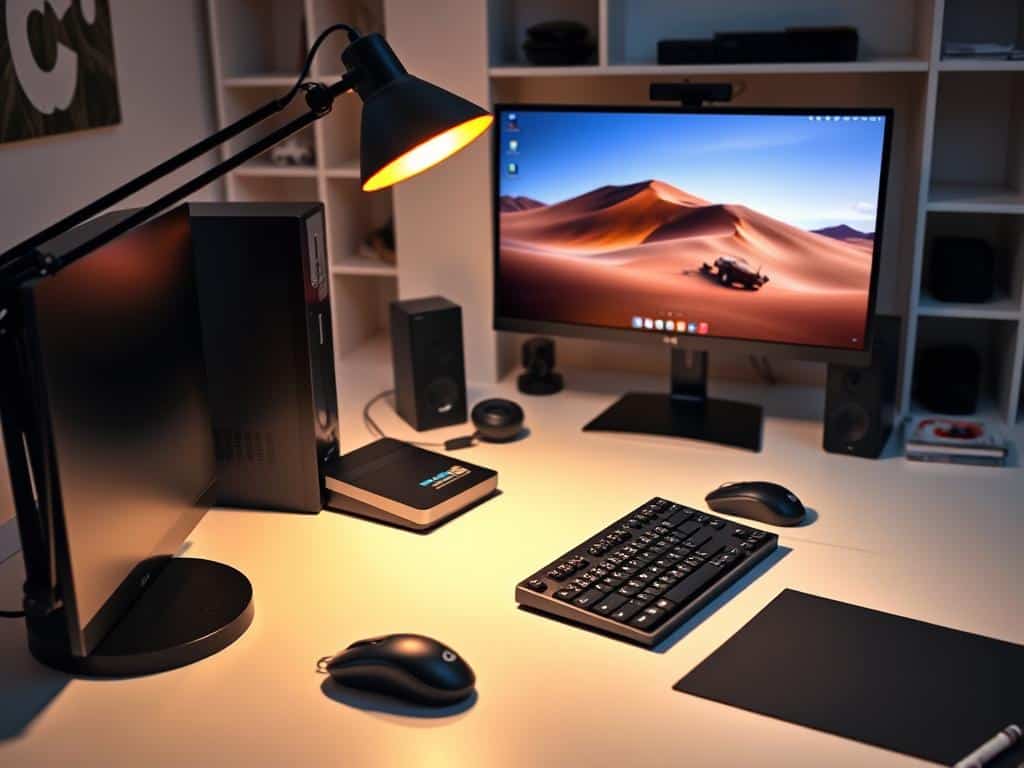
Lighting and Its Influence on Productivity
Good lighting is key to a productive workspace. The right mix of natural and artificial light affects my mood and energy. Studies show natural light boosts job satisfaction and well-being.
Effective lighting design keeps the work area comfortable. It also reduces eye strain and fatigue.
Natural Light vs. Artificial Light
Natural light helps me focus and stay energized. It improves sleep and health by regulating our body’s clock. Artificial light, while needed, can be uncomfortable if not designed well.
Lighting that mimics sunlight is ideal. It brings brightness that boosts focus and productivity.
Positioning Your Desk for Optimal Light Exposure
I carefully place my desk near windows for natural light. This increases brightness and boosts my productivity. I avoid glare on screens to prevent eye strain.
This approach is essential for ergonomic lighting. It ensures all areas are well-lit without overshadowing tasks.
Recommended Lighting Fixtures for Home Offices
In my home office, I use adjustable task lighting. Desk lamps with different colors help me stay alert during the day and relaxed at night. LED lights are great for their long life and efficiency.
Smart lighting technology makes my office even better. It adjusts automatically based on natural light.
Conclusion
Setting up my desk right makes a big difference in how focused and comfortable I am at work. Learning about ergonomics helps me work better. Choosing the right furniture and keeping my desk tidy makes my work space better and boosts my mood every day.
Good lighting is also key to a great workspace. Natural light makes me feel better and less stressed, which helps me work better. So, having the right lights in the right spots makes my workday more comfortable and helps me stay focused.
These tips are super important for working from home. Using ergonomic furniture, keeping things organized, and adding plants helps me stay healthy and productive. A clean and comfy workspace is a big win for anyone wanting to do their best work.
