The Best Note-Taking Apps for Maximum Productivity!
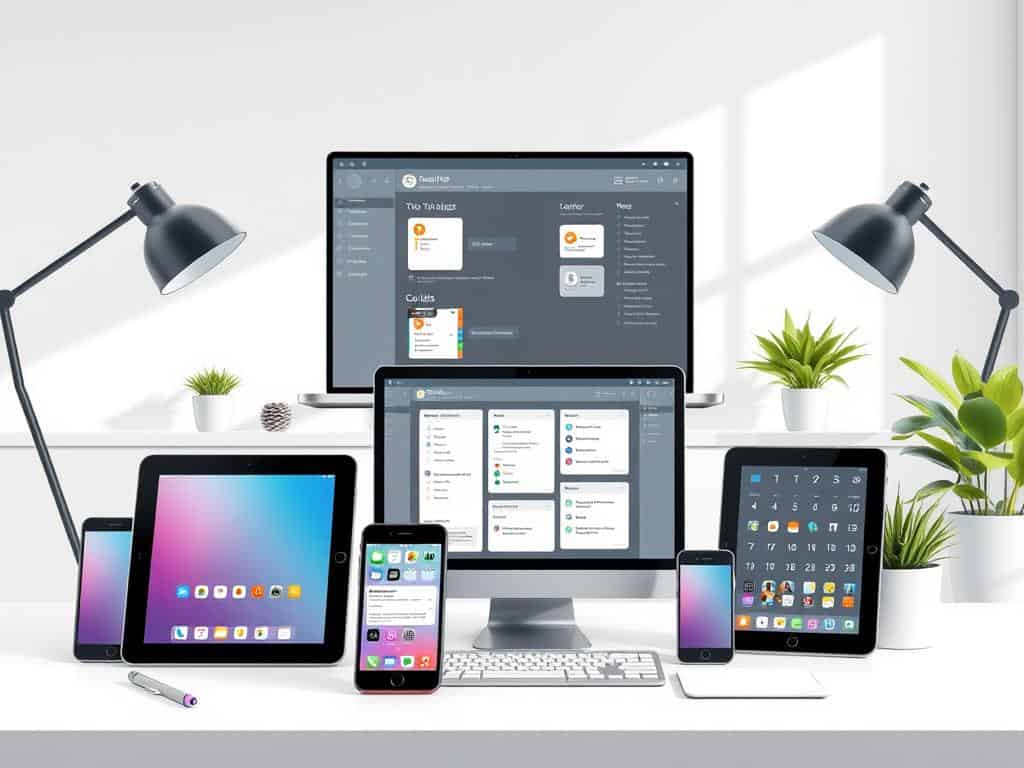
Not long ago, I was drowning in a sea of notes. I had them scattered across notebooks, sticky notes, and digital files. One day, while searching for a key piece of information, I hit a wall. My disorganization was not just a small problem, but a big one that was slowing me down.
That’s when I started looking into note-taking apps. I wanted to find the best ones to help me stay organized. I soon found out how these apps could turn my messy notes into something organized and useful. They helped me manage my knowledge better and increased my productivity.
If you’re looking to get more organized and efficient, you’re in the right spot. Let’s dive into how these apps can change our daily lives for the better.
Key Takeaways
- Note-taking apps significantly improve productivity and organization.
- Digital tools serve as efficient extensions of our memory.
- Many applications offer cross-platform syncing for ease of access.
- Improved categorization features enhance knowledge management.
- Collaboration tools in apps facilitate teamwork and information sharing.
Introduction to Note-Taking Apps
In today’s fast world, note-taking apps are key. They help us capture and organize our thoughts. This way, we don’t miss out on important insights.
Using the right app boosts my productivity. It helps me manage my knowledge better.
Why Note-Taking is Important for Productivity
Effective note-taking is vital for capturing ideas quickly. It lets me focus on tasks without worrying about remembering everything. This makes my mind more organized.
Studies show that taking notes improves retention and understanding. It shows that organized thoughts lead to better efficiency.
How Digital Tools Enhance Organization
Digital note-taking apps offer many features to organize ideas. They have tagging, folder creation, and search options. These make it easy to find and organize notes.
This turns a mess of ideas into a clear knowledge base. It saves time and improves my workflow.
The Best Note-Taking Apps for Maximum Productivity
In today’s digital world, the right note-taking app can boost your productivity a lot. There are many apps out there, each with its own strengths. I’ll look at some top note-taking apps, focusing on their features that help you stay organized, work with others, and get more done.
Microsoft OneNote: Best Overall
Microsoft OneNote is my top pick for its wide range of features. It has great tools like notebooks, sections, and pages to organize your thoughts. You can add text, images, and voice notes easily. Plus, its free version offers lots of storage and syncing across devices, perfect for users who need flexibility.
Joplin: Best Open-Source App
Joplin is great for those who care about privacy and keeping control over their data. It’s free and open-source, letting you store notes locally or use paid cloud storage. It has no file size limit, making it perfect for working with others. Its simple design and strong tagging system help you find information fast.
Obsidian: Best for Power Users
Obsidian is designed for advanced users who need to manage their notes deeply. It helps you link notes together for a better understanding of your material. While it’s complex, its depth is worth exploring for those who want to get the most out of their notes.
UpNote: Best Value
UpNote offers great value at just $1.99 a month. Its beautiful design and rich text formatting make taking notes enjoyable. Even with a small file upload limit, its ease of use and price make it a top choice.
Bear: Best Alternative to Apple Notes
Bear stands out with its beautiful design and Apple integration. It has cool features like optical character recognition (OCR) for text in images. But, it only works on Apple devices, which might limit its use for some. It’s a great option for Apple users, though.
Notion: Best for Teams
Notion is perfect for teams because it makes collaboration easy. You can create databases and wikis for group projects. While it’s complex, its customizable workflows let you tailor your experience to fit your team’s needs.

Conclusion
In today’s fast world, picking the right note-taking app is key to boosting productivity and keeping things organized. There are many choices, from free basic plans to premium features. This means I can find a tool that fits my needs, whether I need lots of storage or something simple.
Over 15 free note-taking apps are out there, showing how important it is to capture information well. Google Keep and Evernote are great for those already using Google or Microsoft products. Joplin is a top choice for those who want flexibility. Each app has unique features that can help me manage my tasks and notes better.
Choosing a note-taking app is a personal decision, based on how I work and what I need. By looking at these digital tools, I can work better with my team and make my day-to-day tasks more efficient. I aim to find an app that matches my style and helps me be more productive.
